Most of the conversations we have with
SAP Business One users about the Webclient start the same way. Someone in the business has heard that the new interface is the future of the product, they have opened it in a browser out of curiosity, it looks clean and modern, and they come to us with a version of the same question: should we be switching?
It is a reasonable question, and it deserves a more considered answer than most of what is written about it online. The honest answer in 2026 is not 'yes, switch everything' and it is not 'no, stay where you are.' It depends on what your business actually does in SAP every day. And for most businesses, the answer involves using both — intelligently, intentionally, and with a clear understanding of what each interface does well and where it still has gaps.
This piece gives you that picture. Not a feature checklist, not a vendor pitch, but a straightforward account of where the Webclient genuinely shines in 2026, where the Desktop Client still holds the ground, and how to think about the decision if you are managing a real business with real workflows and no appetite for unnecessary disruption.
The Desktop Client: Why It Has Lasted This Long
The SAP Business One Desktop Client has been the working environment for hundreds of thousands of users for the better part of two decades. That longevity is not inertia. It reflects the fact that the Desktop Client is, by any measure, an extraordinarily capable piece of software. It covers every module in the SAP Business One product — finance, purchasing, sales, inventory, production, MRP, service, project management — with a depth of functionality that the Webclient is still working toward matching.
For businesses that have built complex processes around it — production order management, multi-level BOM structures, intricate approval workflows, tightly configured add-ons from third-party ISVs — the Desktop Client is not just a preference. It is the infrastructure their operation runs on. Changing it is not a decision made lightly, and nobody should be pressuring them to.
Where the Desktop Client genuinely struggles in 2026 is not functionality but context. It requires installation on each device. It works best when the user is in the office, on a stable internal network, with a machine that has been set up for it. As more businesses operate across hybrid or fully distributed teams — where a finance manager works from home on Tuesdays, where a field sales rep needs to check a customer account from a hotel lobby in Munich — the Desktop Client's architecture becomes a constraint. It was not designed for the way many businesses now work, and patching that with VPN access only goes so far before the experience degrades.
The Webclient: What It Is, and What It Is Not Yet
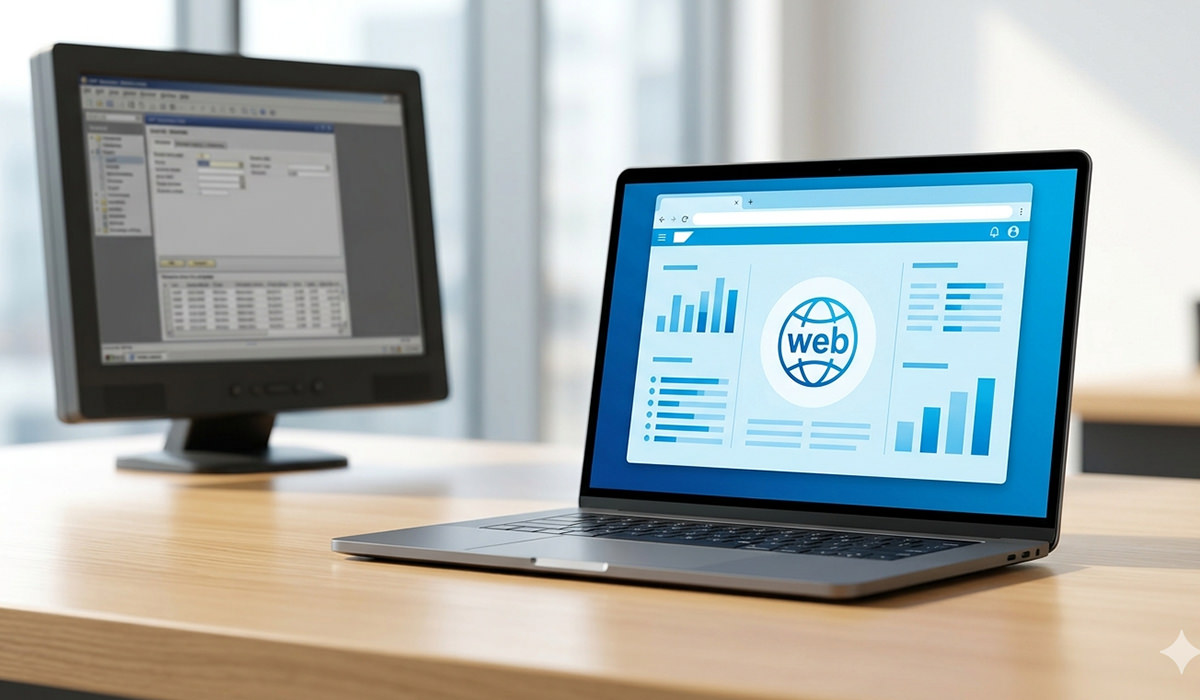
The SAP Business One Webclient is built on SAP's Fiori design language — the same clean, tile-based, browser-native interface that runs across SAP's enterprise products. It requires no local installation, works on any modern browser, and delivers a genuinely modern user experience that the Desktop Client, whatever its functional depth, simply cannot match on aesthetics and ease of use.
For users whose daily SAP work involves sales order management, CRM interactions, purchasing approvals, and operational dashboards, the Webclient is already a fully viable working environment. In a lot of cases it is faster, cleaner, and more intuitive than what they were using before. The built-in analytics layer — dashboards and KPI tiles available without needing to configure separate reporting tools — is something the Desktop Client has never offered natively, and users tend to respond to it immediately.
But the Webclient has an honest limitation that you will not always hear from people selling SAP products, and it is worth stating plainly: it does not yet cover the full functional scope of the Desktop Client. The production-related modules — MRP, production order management, pick and pack, warehouse revaluation — are on SAP's confirmed roadmap for Feature Pack 2608, which is expected later in 2026. They are not there today. For a manufacturer or distributor whose daily work lives in those modules, the Webclient is not yet a full replacement for the Desktop Client. It is a complement.
The Webclient is not trying to be the Desktop Client in a browser. It is a different interface built for a different way of working — and the businesses that understand that distinction get the most out of both.
Side by Side: What Each Interface Offers
|
Webclient |
Desktop Client |
| Access method |
Browser — no installation |
Installed per device |
| Remote & hybrid use |
Seamless from any location |
Requires VPN or office access |
| Interface design |
SAP Fiori — modern, intuitive |
Traditional — functional but dated |
| Initial setup |
Minimal IT overhead |
Device-by-device installation |
| Analytics & dashboards |
Built in as standard |
Dependent on add-ons |
| Customisation depth |
Growing with each Feature Pack |
Extensive — mature and stable |
| Production & MRP |
FP 2608 roadmap — arriving late 2026 |
Fully supported today |
| Finance workflows |
Core functions available |
Full depth, long-established |
| Best suited for |
Remote teams, sales, management |
Finance, production, complex ops |
The Practical Question: Who in Your Business Should Be Using Which?
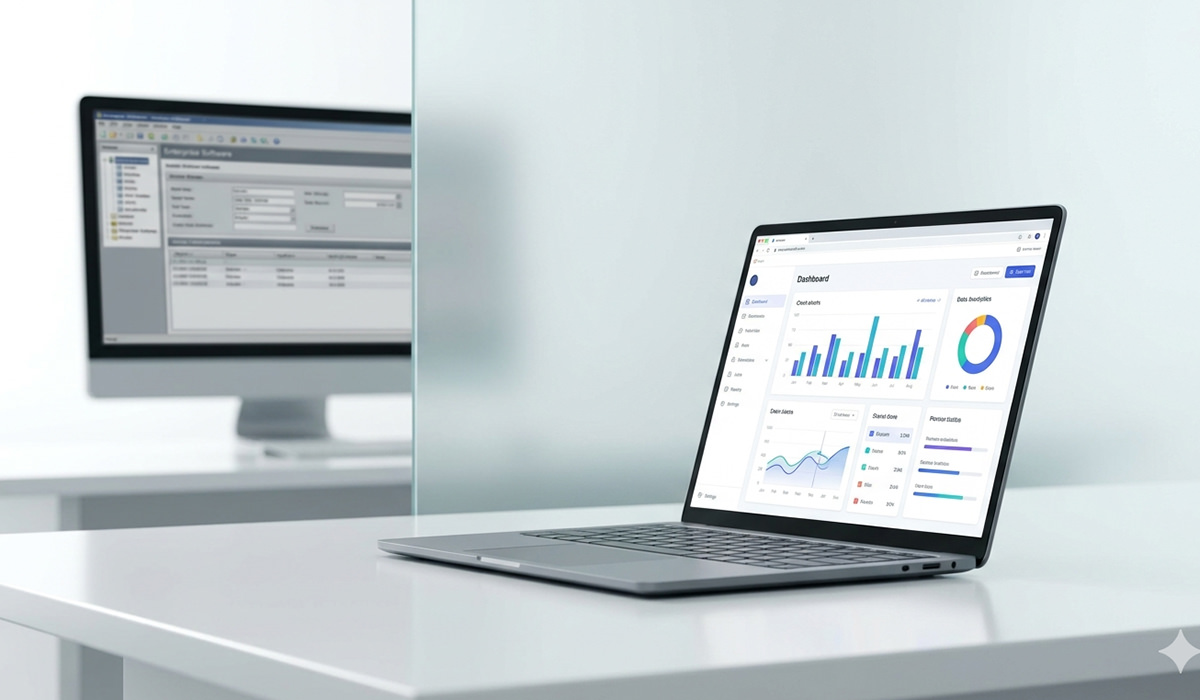
Rather than asking whether your business should 'switch to the Webclient,' the more productive question is: which users in your business would benefit from working in the Webclient today, and which ones should stay on the Desktop Client until the functionality they need is available there?
The answer maps fairly cleanly onto job function.
The Webclient is the right primary environment for:
Sales teams and account managers who live in the CRM and sales order modules. The Webclient's clean interface for managing customer records, creating quotations, and tracking orders is genuinely better than the Desktop equivalent — faster to navigate, accessible from any device, and usable by team members who are not SAP power users without a week of training.
Senior managers and directors who need visibility rather than deep transaction entry. The built-in dashboards give a management layer access to the KPIs and operational data they need without requiring them to understand the underlying SAP navigation. That accessibility matters for buy-in and for the quality of decisions made on ERP data.
Purchasing and approval workflows for businesses where the approval chain includes people who are not permanently at their desks. The Webclient's anywhere-access means a purchase order does not sit waiting for approval because the relevant person is working off-site.
The Desktop Client remains the right environment for:
Finance teams running month-end close, journal entries, bank reconciliation, and the full chart of accounts. The Desktop Client's financial depth is still unmatched in the Webclient, and for finance professionals who work in SAP for several hours a day, the functional coverage and keyboard-driven workflow of the Desktop Client is genuinely more productive.
Production and manufacturing teams — for now. Until the FP 2608 MRP and production order modules arrive in the Webclient, the Desktop Client is where this work has to happen. There is no workaround for this and no benefit in pretending otherwise.
System administrators and implementers managing configurations, user permissions, and complex customisations. The full depth of SAP Business One's configuration layer is in the Desktop Client, and that is not changing in the near term.
The Hybrid Setup Is Not a Compromise — It Is the Right Answer
The framing of 'which one should you use' implies that the choice is binary. It is not, and treating it as such leads businesses either to resist the Webclient entirely or to push it where it is not yet ready — both of which waste the genuine value it already delivers.
The businesses using SAP Business One most effectively in 2026 are the ones that have mapped their user roles to the right interface. Sales, management, and remote-working staff are on the Webclient. Finance, production, and the users who live in the system's more complex modules are on the Desktop Client. The two interfaces connect to the same database, so the data is consistent regardless of which interface someone is working in. There is no duplication, no reconciliation problem, no second source of truth.
What the hybrid setup requires is deliberate configuration — setting up the Webclient properly for the roles using it, training people on the interface that is right for them, and managing the transition in a way that does not disrupt the workflows that are already functioning well. That is where the quality of your implementation partner matters.
Where the Webclient Is Going — and Why It Matters Now
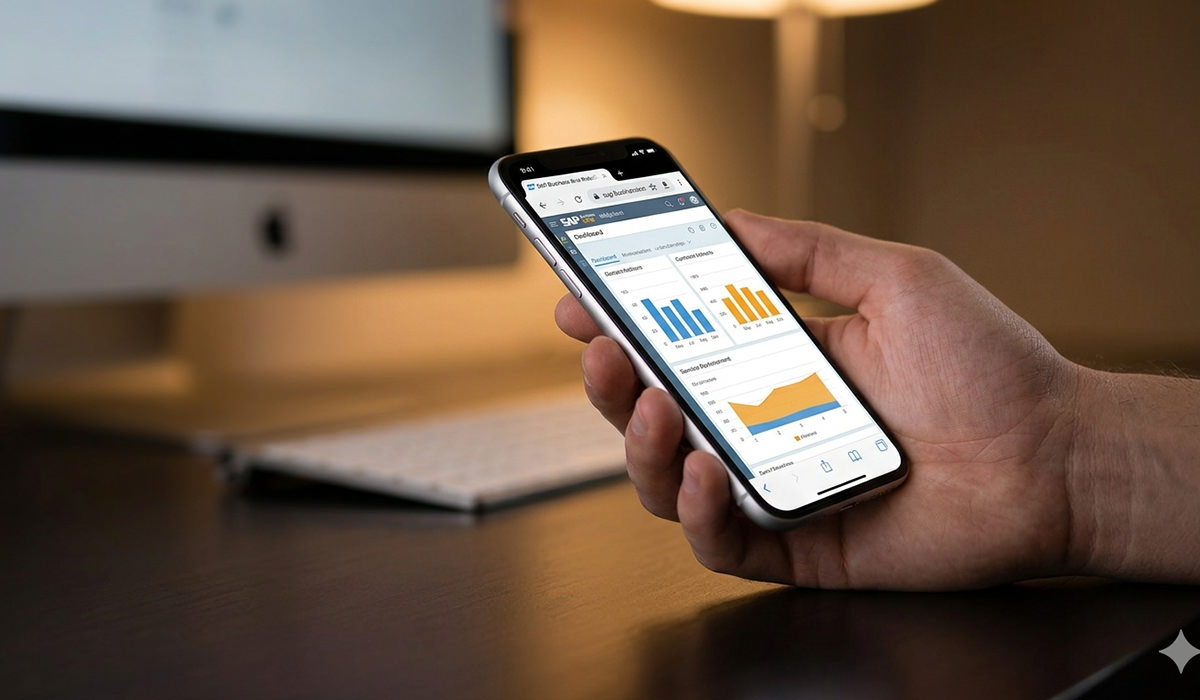
SAP's investment direction for SAP Business One is clear. The March 2026 Roadmap update confirmed that the Webclient, built on the Fiori framework and deployed through cloud infrastructure, is the primary interface investment going forward. Version 11, SAP's next major release currently targeted for 2027, is being built on cloud-native architecture with the Webclient as the default experience.
This does not mean the Desktop Client disappears tomorrow. SAP has been consistent that on-premise deployment and Desktop Client access will be supported through the Version 11 lifecycle. But the direction is set. The functionality gap between the Webclient and the Desktop Client will close — it is already closing at each Feature Pack release — and the businesses that begin adopting the Webclient for appropriate roles today are building institutional familiarity with an interface that will eventually become the standard.
The businesses that wait for Version 11 to engage with the Webclient will face a steeper learning curve at a more critical moment. The advantage of starting now is not that the Webclient is already perfect — it is not — but that the process of identifying which roles suit it, configuring it well, and training teams on it takes time that is better spent before a forced migration than during one.
Working With Ingold Solutions on This Decision
Ingold Solutions is a certified SAP Business One agency with experience across both interface environments — Webclient implementations, Desktop Client configurations, hybrid setups, and the ongoing management of systems that span both. The team has worked with SMEs across manufacturing, distribution, wholesale, and professional services, which means the advice we give is informed by the full range of how real businesses use SAP Business One, not just the deployment scenarios that are easiest to recommend.
When a client asks us whether they should move to the Webclient, the answer always starts with a question back: tell us about the work your team actually does in SAP. Who uses it, for what, how often, and from where. That conversation — not a feature comparison document — is what produces a recommendation that is actually right for the business rather than theoretically correct.
What Ingold Solutions delivers in this context: a role-mapping exercise that identifies which of your users are natural Webclient candidates today; a configuration engagement that sets the Webclient up properly for those roles rather than leaving users with a generic launchpad; training that is specific to the workflows each user group performs; and ongoing support that keeps pace with SAP's Feature Pack releases so that when MRP and production management arrive in the Webclient, your business is ready to use them.
For businesses that are also considering the move from SAP Business One on-premise to the cloud deployment model — a transition that pairs naturally with Webclient adoption — Ingold Solutions manages that migration end-to-end, including the data transfer, the Azure hosting environment, and the post-migration period where the team is finding their feet in the new setup.
The Verdict, Without the Waffle
The SAP Business One Webclient is a genuinely good interface. It is modern, accessible, and already better than the Desktop Client for a meaningful proportion of the users in most SAP Business One businesses. The fact that it does not yet cover the full functional scope of the Desktop Client is not a criticism — it is a development roadmap with confirmed milestones and a clear direction of travel.
The Desktop Client is not legacy software waiting to be retired. For finance teams, production managers, and system administrators, it remains the more capable working environment in 2026 and will remain so until the Webclient's feature coverage catches up. That catching up is happening faster than most people realise, but it has not happened yet in all the areas that matter.
The right answer for most businesses is a hybrid approach — one that puts the Webclient where it already delivers the best experience and keeps the Desktop Client where it is still the right tool. Getting that balance right, configuring it properly, and managing the evolution as the Webclient grows is the job of a good
SAP Business One partner.
If you would like to understand what the right setup looks like for your specific business, get in touch with Ingold Solutions. We will give you a clear, honest assessment — not a sales pitch — and a practical recommendation you can act on.










 Applicable for Package
 Optional